Hire skilled AI developers who fit your project. We provide AI engineers, machine learning engineers, LLM engineers, NLP engineers, and AI architects to build, improve, and support software for your business goals.
Hire experienced web developers to build fast, responsive websites and web applications for your business. We create custom web solutions with clean code, useful features, and a smooth experience across all screens and devices.
Need a mobile app for your business? Hire experienced developers who can turn your idea into a reliable app. We build Android, iOS, Flutter, React Native, Kotlin, and Swift apps around your goals.
From product design to software development, we help businesses build digital solutions that work. Our team handles UI/UX design, web and mobile app development, AI/ML solutions, and custom software development.
We create UI/UX designs, product interfaces, and responsive websites that make digital products easy to use, clear to navigate, and consistent across every screen, device, and customer journey for all users.
We build software around how your business actually works. Our development team creates websites, mobile apps, custom software, and AI solutions with good code, useful features, and reliable performance.
We are a software development company helping businesses build useful digital products. Learn about our team, culture, partnerships, careers, and how we build reliable custom software for growing businesses.
The best no-code website builder depends on the job your site has to do. For most businesses in 2026, Framer wins for design-led marketing sites and Webflow wins for content-heavy sites. Wix is the easiest start for beginners, and Shopify still leads for online stores.
A lot changed this year. Framer, Webflow, and Wix rebuilt their pricing or editors around AI. So many older comparisons quote plans that no longer exist.
What Is a No-Code Website Builder?
A no-code website builder is a platform for building and hosting a site with a visual editor, not code. You drag sections onto a page, edit text in place, and publish with one click. The platform handles hosting, SSL certificates, security updates, and mobile layouts for you.
You trade some flexibility for speed, and you stop worrying about servers. For most marketing sites and small stores, that trade pays off.
What Changed for No-Code Website Builders in 2026?
Two big shifts changed the market in 2026: AI agents moved inside the editors, and pricing models were rebuilt. Both affect which builder fits you and what you'll actually pay.
AI Agents Now Work Inside the Editor
Leading builders now ship AI agents that edit your live project, not just starter templates. Framer, Wix, and Webflow all added agent features this year. Framer even lets outside tools like Claude, Cursor, and Codex connect to your projects.
The upside is a much faster first draft. The catch is that someone still has to review every change before it goes live.
Pricing Shifted Toward Per-Site Plans and AI Credits
Webflow simplified its plans and updated pricing on May 13, 2026. It also added AI credits to every Workspace plan. Framer cut its lineup again in June 2026 and halved the price of extra editor seats.
AI features now draw from a credit allowance on several platforms. So heavy AI users can hit monthly limits and end up paying for add-ons.
The 8 Best No-Code Website Builders at a Glance
The table below compares each platform's best use case, entry price, free plan status, and standout feature. Prices are per month on yearly billing unless noted.
Builder
Best For
Starting Paid Price
Free Plan
Standout Feature
Framer
Design-led marketing sites
$10/mo per site
Yes
AI Agents and Branching
Webflow
Content-heavy, SEO-focused sites
$15/mo per site
Yes
Precise layout and CMS control
Wix
Beginners and small businesses
$17/mo
Yes
Wix Harmony hybrid editor
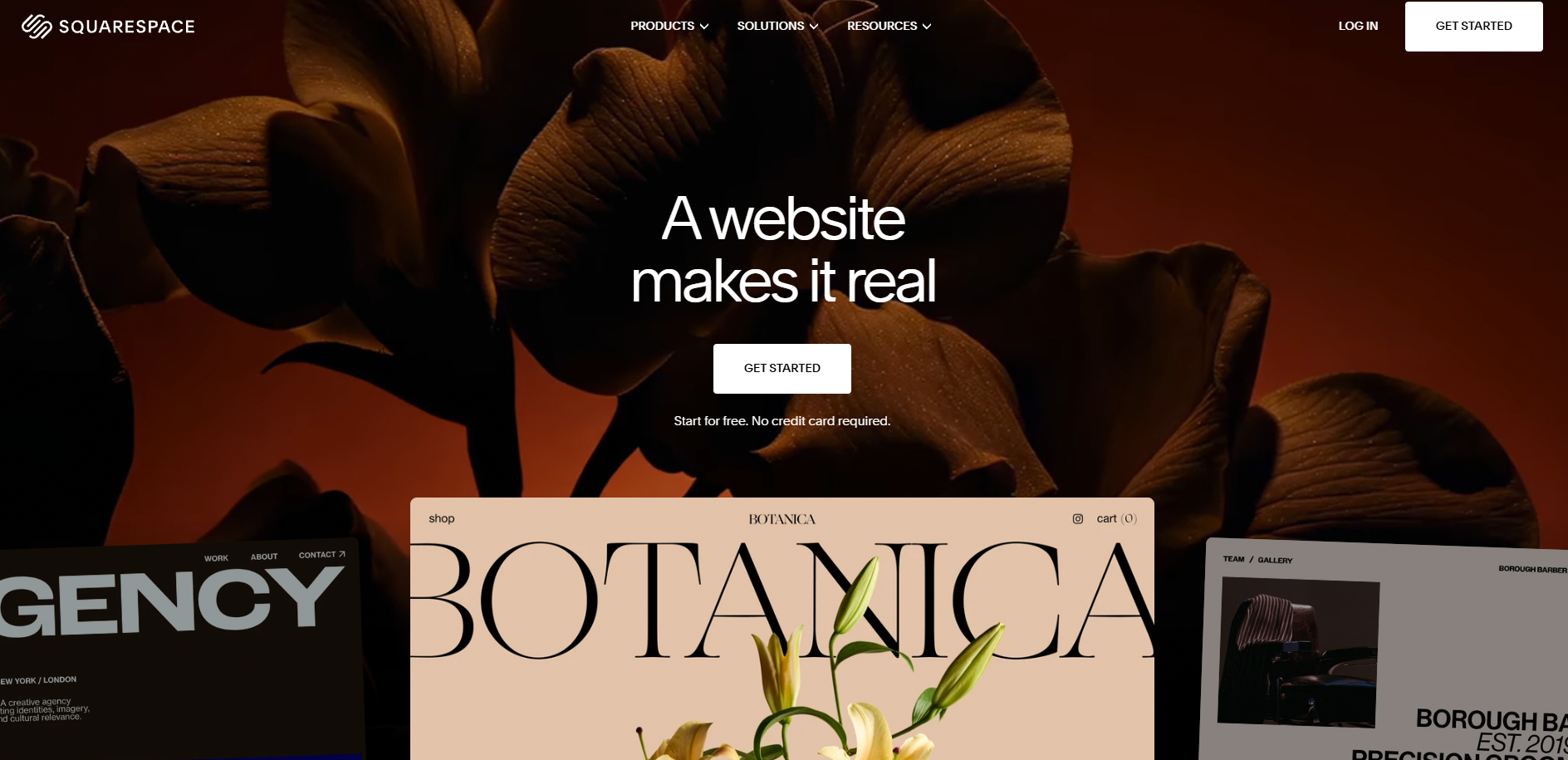
Squarespace
Portfolios and service businesses
$19/mo
Trial only
Polished, ready-made templates
Shopify
Online stores
$29/mo
Trial only
Full commerce system
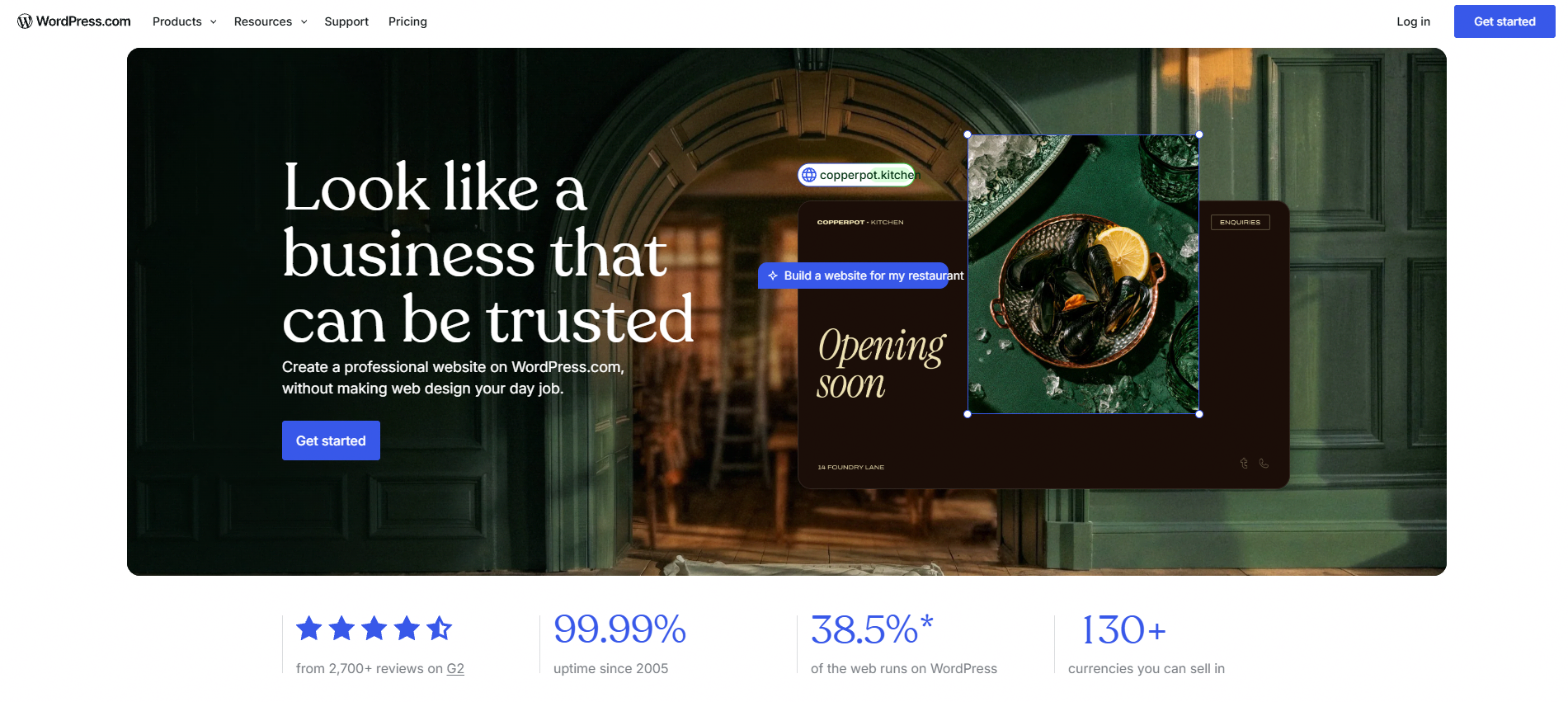
WordPress.com
Blogs and publishers
$4/mo
Yes
Plugins on every paid plan
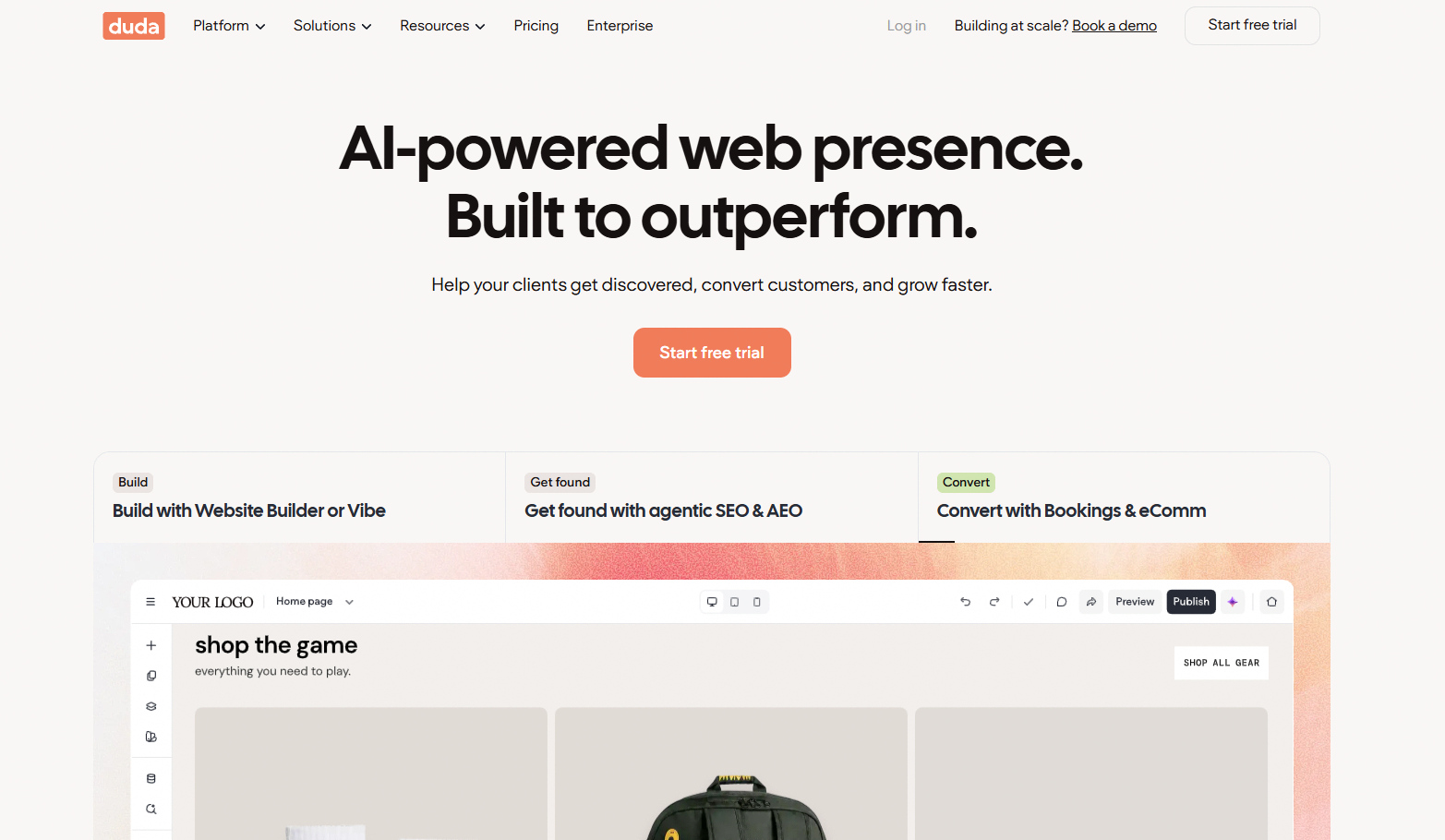
Duda
Agencies with client sites
$19/mo
Trial only
Full white-label platform
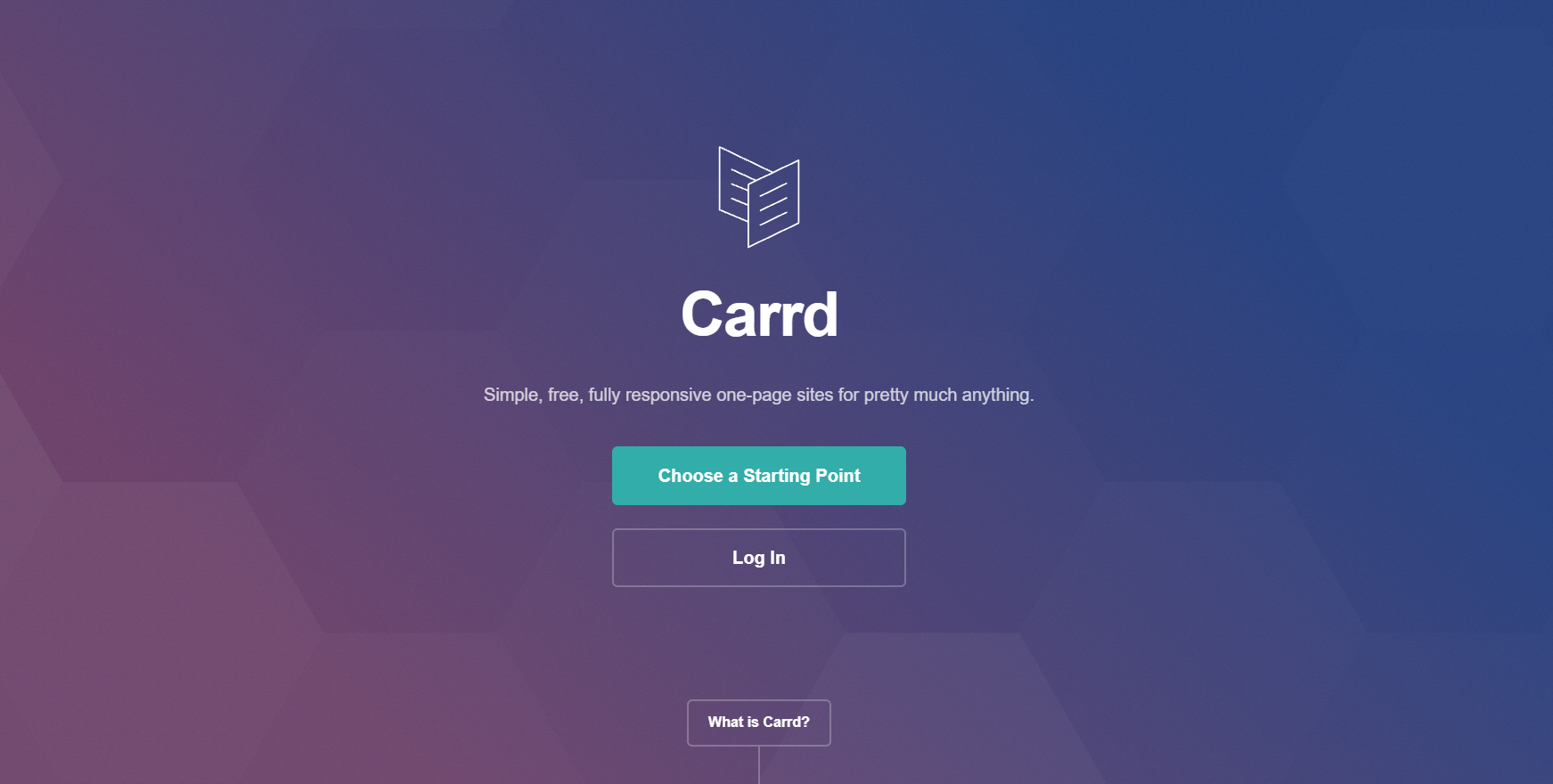
Carrd
One-page sites
$9/year
Yes
Yearly-only pricing
Best No-Code Website Builder Reviews for 2026
Each builder below wins in a specific situation, so match the review to your project. Every review covers key features, pricing, pros, cons, and the users it suits best.
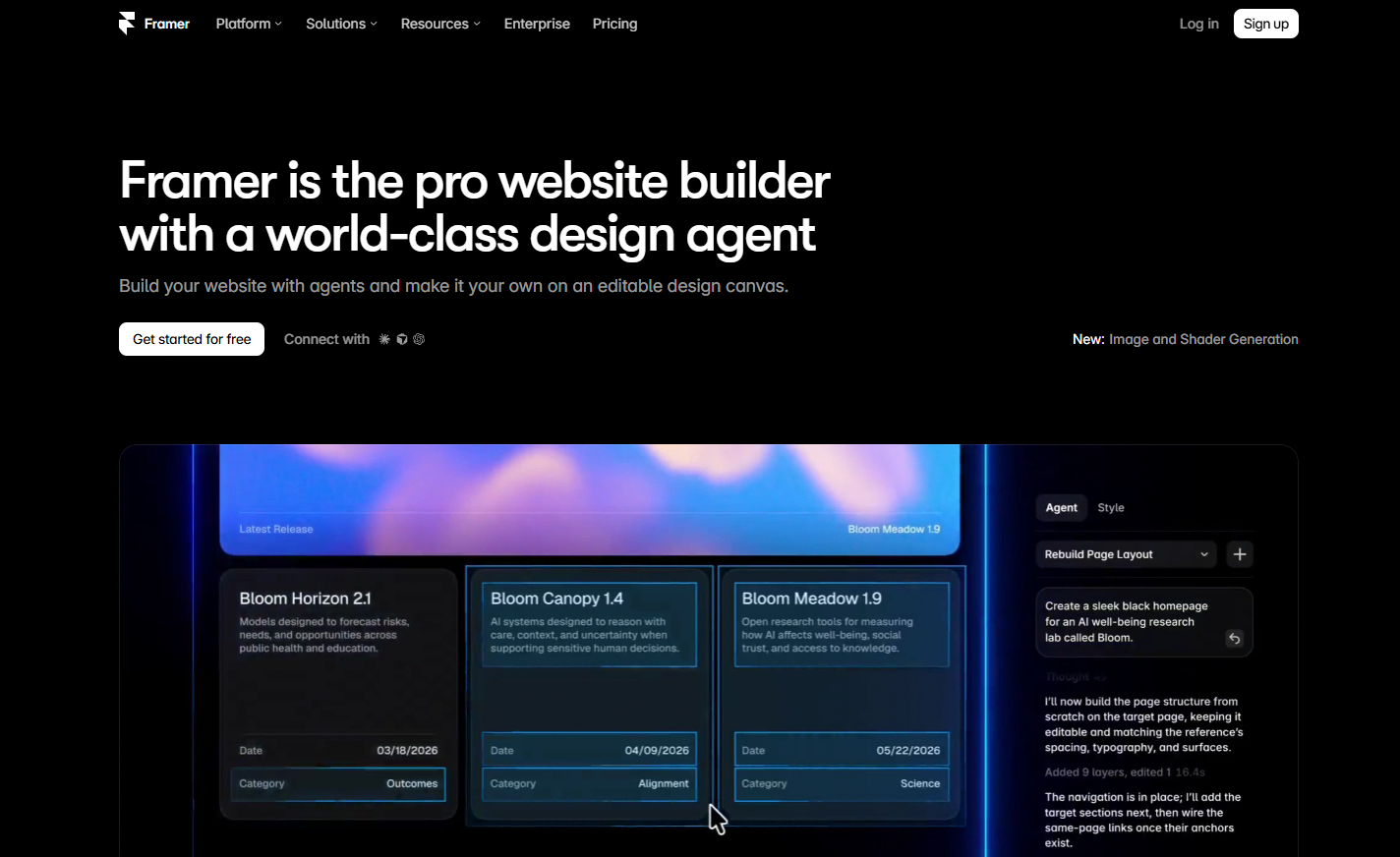
Framer is the strongest pick for startups and brands that want polished, animated marketing sites without a developer. Its canvas feels like a design tool, so designers can build and publish without a handoff.
Key Features
AI Agents that design pages, write CMS content, and fix responsiveness on the canvas
Branching, which lets you test changes in an isolated copy before going live
Agent-run SEO and accessibility audits
Screenshot-to-layout conversion for faster first drafts
Built-in CMS, hosting, and form handling
Pricing
Framer's pricing page lists a free plan, Basic at $10, and Pro at $30 a month per site. Extra editor seats cost $20 a month each, and content-only editors cost $10.
Pros
Design freedom that feels close to a professional design tool
Fast publishing with hosting included
Free plan for testing ideas before you pay
AI Agents handle routine edits and fixes
Cons
Every site needs its own plan, so 3 sites means 3 subscriptions
Basic caps you at 30 pages and 2 CMS collections
Editor seats bill monthly, even on yearly plans
Not built for large product catalogs
Best For
Startups, SaaS landing pages, design studios, and creative portfolios that need standout visuals without writing code.
2. Webflow: Best for Content-Heavy, SEO-Focused Sites
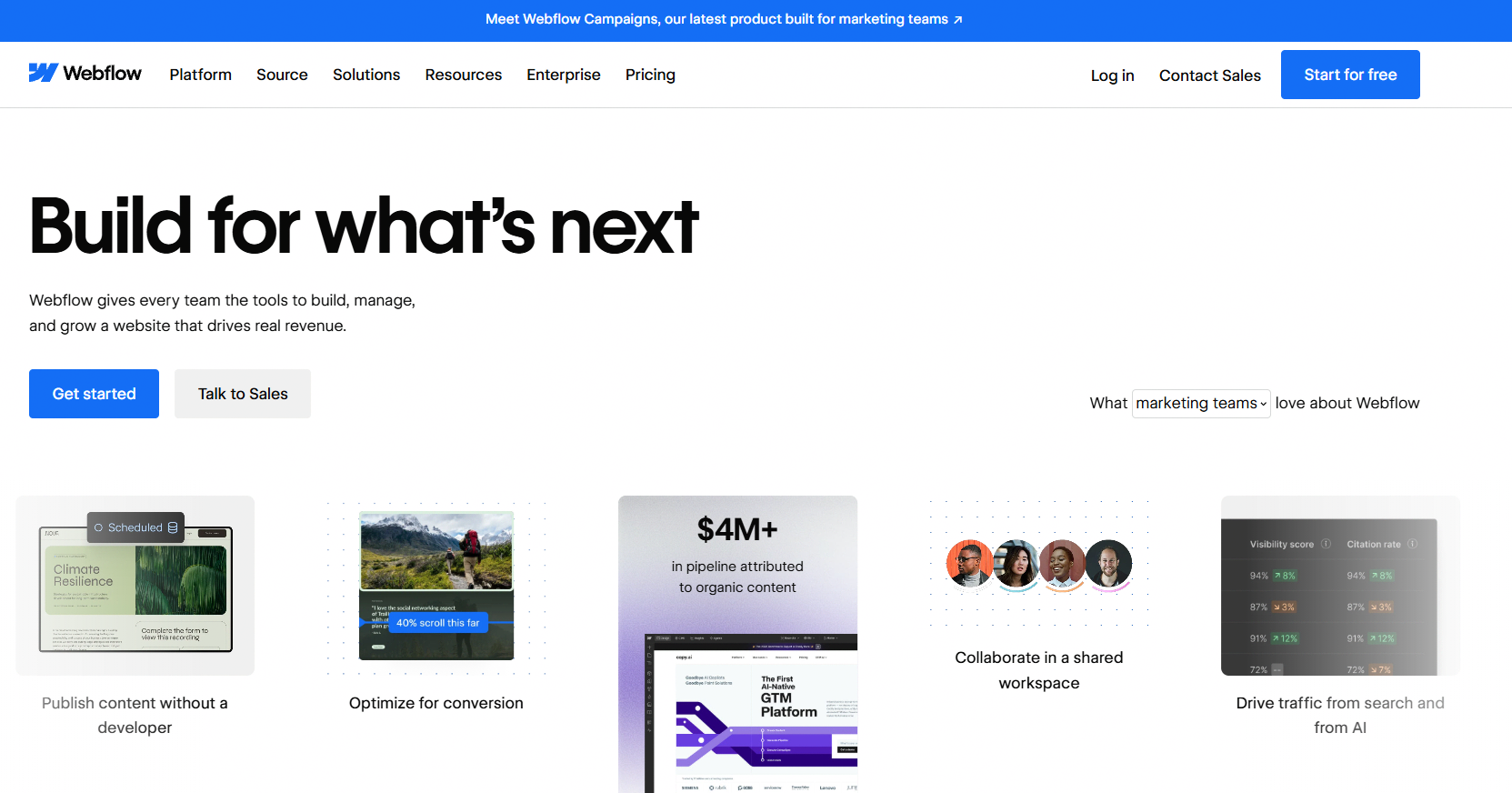
Webflow is the best fit for large CMS-driven sites that need fine control over structure and SEO. It uses real layout systems like Flexbox and CSS Grid, so you get precise control without writing code.
Key Features
Visual editor built on Flexbox and CSS Grid
Premium CMS with 20,000 items across 40 collections
Basic plan support for up to 300 static pages
Team plan with AEO agents, publishing workflows, and page branching
Custom SSL certificates and security headers on the Team plan
Pricing
After the May 2026 update, Starter is free, Basic costs $15, and Premium costs $25 a month. Premium replaced the old CMS and Business plans. The Team plan runs on an annual contract.
Pros
Precise control over layout, structure, and interactions
A CMS strong enough for large blogs and resource libraries
Detailed SEO controls for meta tags, redirects, and schema
Governance tools for teams that publish at scale
Cons
The steepest learning curve on this list
Seats, ecommerce, localization, and analytics are billed on top of the site plan
Former Business plan users saw included bandwidth drop from 100GB to 50GB
Best For
SaaS companies, B2B marketing teams, and content-heavy brands that treat their site as a growth channel.
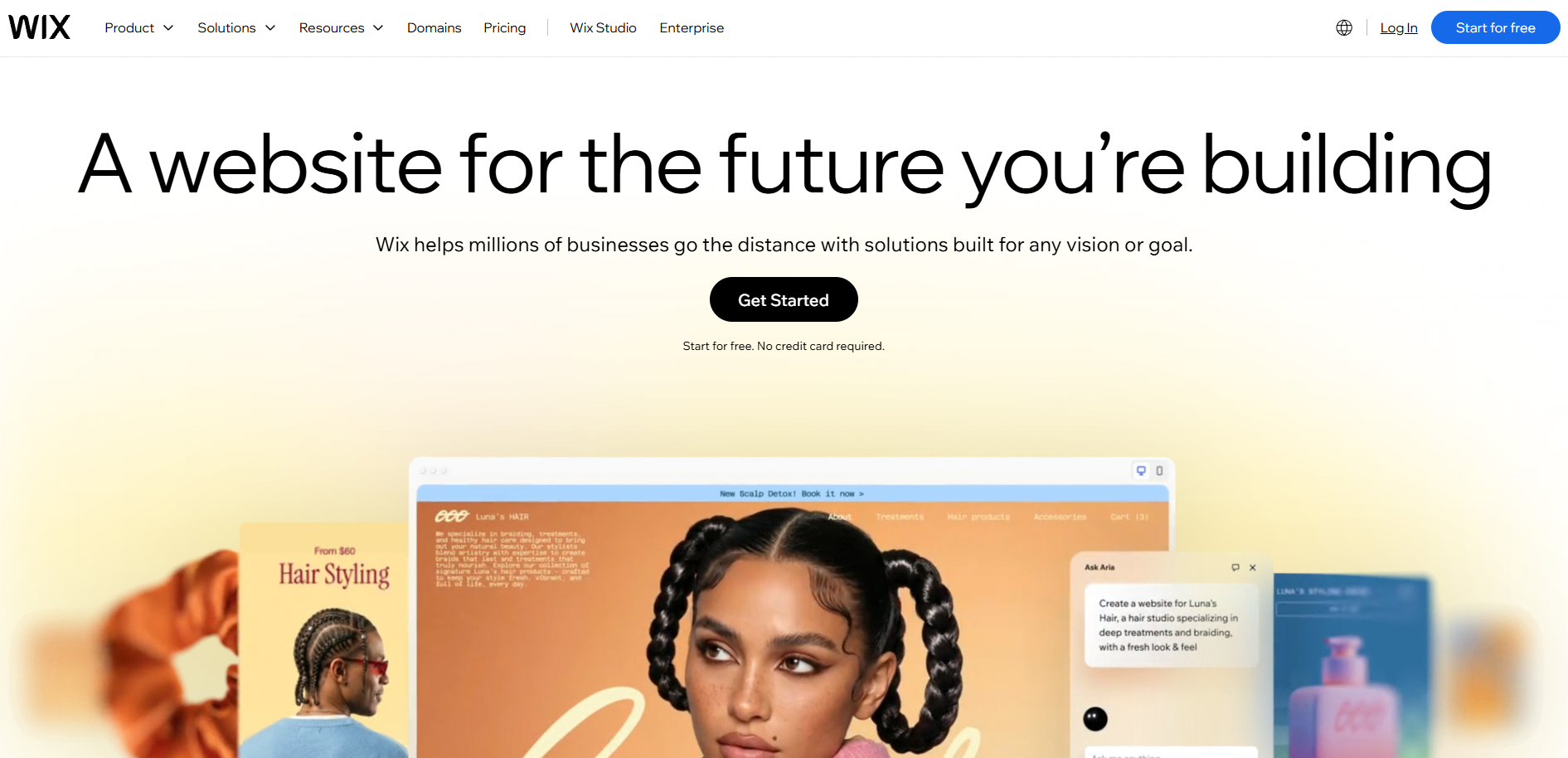
Wix is the easiest builder for first-time site owners who want everything in one dashboard. Its Wix Harmony editor, launched in January 2026, mixes AI prompting with drag-and-drop editing.
Key Features
Harmony hybrid editor that switches between AI and manual editing
Aria, an AI agent that understands your full site and edits from plain-language requests
Built-in ecommerce, bookings, and payments from the Core plan up
Custom domain and branding removal on every premium plan
24/7 customer care on premium plans
Pricing
Wix's own pricing breakdown puts Light at $17 and Core at $29 a month, billed yearly. Business costs $39, and Business Elite costs $159. A free plan is available with Wix branding.
Pros
The gentlest learning curve for non-technical owners
AI and hands-on editing in one place
All-in-one business tools without third-party setup
Free plan for getting started
Cons
You need at least the Core plan to sell products or services
Less design precision than Framer or Webflow
The Light plan includes only 2GB of storage
Best For
First-time site owners, local service businesses, and small online stores that want speed over fine design control.
4. Squarespace: Best for Portfolios and Service Businesses
Squarespace is the best choice when you want a polished site fast and value looks over custom layouts. Its templates are tightly designed, so even a quick build looks professional.
Key Features
Designer-made templates that look finished out of the box
Basic online selling on every plan
A free custom domain on every plan
A free year of Google Workspace email on Core and higher plans
Lower card processing rates as you move up plans
Pricing
US plans start at $19 a month for Basic and $29 for Core. Prices vary by region. You can compare every tier in Squarespace's plans explained guide.
Pros
Some of the most polished templates on the market
Domain, hosting, and email bundled in one place
A simple editor that's hard to break
Solid tools for selling services and digital products
Cons
Narrower layout freedom than Wix or Framer
No free plan, only a free trial
Basic charges a 2% fee on online store sales
Best For
Photographers, designers, consultants, and service businesses that want a professional look with minimal setup.
Shopify is the best no-code option when selling products is your site's main job. It runs inventory, checkout, payments, shipping, and taxes in one system, from a first sale to enterprise volume.
Key Features
Full commerce stack for inventory, checkout, shipping, and taxes
Selling across online stores, in-person retail, and AI chats
Built-in point of sale, with POS Pro at $89 a month per location
Up to 5 staff accounts on the Grow plan
Card rates from 2.9% plus 30 cents on Basic, falling on higher plans
Pricing
Basic costs $29 a month, Grow costs $79, and Advanced costs $299 on yearly billing. Monthly billing raises those to $39, $105, and $399. Shopify's plans page lists every core plan, and Shopify Plus starts from $2,300 a month.
Pros
The most complete commerce system on this list
Scales from a first product to enterprise volume
Sells across web, retail, and AI chat channels
A large app ecosystem for extra features
Cons
Basic adds a 2% fee per sale if you skip Shopify Payments
Paid apps add up, so budget for them from day one
Less flexible for content-led sites than Webflow or WordPress.com
Best For
Product brands, direct-to-consumer stores, and retailers that sell both online and in person.
WordPress.com is the best pick for publishers who want WordPress flexibility without managing hosting. You get the WordPress editor and theme library, while WordPress.com handles servers, backups, and security.
Key Features
The familiar WordPress block editor and theme library
Plugin installs on every paid plan since April 2, 2026
Managed hosting with backups and security included
SFTP and staging sites on the Business plan
A Commerce plan built for online stores
Pricing
Personal costs $4 and Premium costs $8 a month on yearly billing. Business costs $25, and Commerce costs $45. Paying for 3 years brings Personal down to $2.75 a month.
Pros
The largest plugin and theme ecosystem on this list
Strong publishing and blogging workflow
The lowest paid entry price among multi-page builders
Room to grow from a hobby blog to a large publication
Cons
Plugins add updates and conflicts to manage
Feels more technical than Wix or Squarespace
Monthly billing costs far more, with Personal at $9 a month
Best For
Bloggers, publishers, and content marketing teams that publish often and want room to extend their site.
Duda is the best fit for agencies and freelancers who build and manage many client sites. It's designed around that workflow, from the first build to ongoing client edits.
Key Features
Multi-site dashboard for managing every client project
Client permissions that control what each client can edit
Full white-label branding for the builder, dashboard, previews, and emails
AI assistants for text, SEO, and page building
Hosting, backups, SSL, and code export included
Pricing
Basic costs $19 and Team costs $29 a month on yearly billing. Agency costs $52, and White Label costs $149. Duda's plans page offers a 14-day free trial with White Label features included.
Pros
Built specifically for client work
Clients see your brand, not Duda's
One dashboard for many sites
The Team plan lowers each extra site to $17 a month
Cons
Features and published sites are priced separately
Priority support only starts on the Agency plan
Overkill for a single business site
Best For
Digital agencies, freelancers with a client roster, and SaaS platforms that offer website building to their own customers.
Carrd is the cheapest way to launch a clean one-page site, like a landing page or link-in-bio page. All paid plans are billed yearly, not monthly.
Key Features
Single-page builder with a simple drag-and-drop editor
Custom domains with free SSL from Pro Standard up
Forms, embeds, and analytics on Pro Standard
Advanced forms, redirects, password protection, and site export on Pro Plus
Mobile-ready layouts by default
Pricing
On Carrd's Pro plans page, Pro Lite costs $9 a year for 3 sites. Pro Standard costs $19 a year for 10 sites. Pro Plus costs $49 a year for 25 sites.
Pros
The lowest price of any builder on this list
Very easy to learn in one sitting
Generous site counts for the price
Free plan with up to 3 sites
Cons
Every site is a single page
Pro Lite doesn't include custom domains
Limited integrations compared with full platforms
Best For
Landing pages, link-in-bio pages, event pages, and personal profiles that need to go live today.
No-Code Builder or Vibe Coding Tool?
Pick a no-code builder for marketing sites and a vibe coding tool for custom app logic. Vibe coding means describing what you want in plain language while AI writes the underlying code.
Tools like Lovable turn prompts into working React apps that you own. That ownership is a benefit and a responsibility at the same time.
A no-code builder gives you a managed editor, hosting, and a CMS your marketing team can update. A vibe-coded project gives you a codebase, and someone has to review, secure, and maintain it.
Stick with a no-code builder, if your site is mostly pages, content, and forms. Look at vibe coding or an app platform like Bubble, if you need user accounts or dashboards.
What Does a No-Code Website Really Cost?
A no-code website usually costs more than its headline price once seats, credits, fees, and apps pile up. The sticker price covers one site's hosting and core features, and little else.
Add these 6 costs before you commit:
Per-site pricing: Framer, Webflow, and Shopify charge per site or store, so each new site adds a subscription.
Extra seats: collaborators beyond the owner often carry a monthly fee per person.
AI credits: AI features draw from a monthly allowance, and heavy use can require paid add-ons.
Transaction fees: some plans take a cut of each sale on top of card processing.
Apps and integrations: booking, reviews, memberships, and email tools often come from paid third-party apps.
Billing term: monthly billing costs more, so Webflow Premium jumps from $25 to $39 a month.
Price out your real setup for 12 months, then compare that number across platforms.
How to Choose the Best No-Code Website Builder
To choose the best no-code website builder, start with your site's main job. Then test the editor with the people who'll use it. Follow these 7 steps:
Define the main job. Decide whether the site mainly sells, publishes, captures leads, or showcases work.
Name your editors. Designers handle Framer or Webflow well, while busy owners move faster in Wix or Squarespace.
Estimate content scale. Count the pages and CMS items you expect in 2 years, then check plan limits.
List your integrations. Confirm support for your payments, CRM, email marketing, analytics, and booking tools.
Check SEO controls. Look for custom meta tags, clean URLs, redirects, schema markup, and automatic sitemaps.
Plan your exit. Ask whether you can export content or code if you switch platforms later.
Run a side-by-side test. Build the same page on 2 or 3 free trials before paying.
When Is a No-Code Builder Not Enough?
A no-code builder stops being enough when your site needs custom logic or integrations the platform can't handle. Warning signs include paying for workarounds and relying on fragile third-party scripts.
At that point, you can switch platforms, build a hybrid setup, or go custom. In a headless setup, a CMS manages content while developers build the front end.
Final Thoughts on Choosing the Best No-Code Website Builder
The best no-code website builder is the one that fits your site's main job and your team's skills. Framer suits design-led brands, Webflow suits content-heavy sites, and Wix suits beginners. Shopify owns ecommerce, and Duda serves agencies.
Before you commit, price out a full year and test the editor with your real team. Pricing moved a lot in 2026, so a comparison from last year may already be wrong.
Not sure which platform fits, or wondering if you've outgrown templates? Talk to the Qtec team about what you're building.
FAQs
Which no-code website builder is best for beginners?
Wix is the best no-code website builder for beginners. Its Harmony editor lets you build with AI prompts, then fine-tune pages with drag-and-drop tools. Squarespace is a strong second choice if design polish matters most.
Is there a free no-code website builder?
Yes, Framer, Webflow, Wix, WordPress.com, and Carrd all offer free plans. Free plans show platform branding and usually block custom domains. You'll need a paid plan for a professional business site.
Can a no-code website rank well on Google?
Yes, a no-code website can rank well when it has strong content, clean structure, and fast pages. Builders like Webflow and Framer give you control over meta tags, URLs, redirects, and sitemaps. Rankings depend more on content quality and authority than on the builder.
Can I switch no-code website builders later?
Yes, but most switches mean rebuilding the design from scratch. You can usually export content, then set up 301 redirects to protect search traffic. Choose a platform with export options if you expect to move.
What is the difference between no-code and vibe coding?
No-code builders give you a visual editor on a managed platform. Vibe coding generates real code from prompts. No-code is easier to maintain, while vibe coding offers more freedom but needs technical oversight.
Which no-code website builder is best for ecommerce?
Shopify is the best no-code website builder for ecommerce. It covers inventory, payments, shipping, and taxes at any scale. Wix and Squarespace work well for smaller catalogs.
Have a Project in Mind? Let's Build Something Great Together.
Tell us about your vision and we'll craft a tailored strategy to turn it into reality.
I’m Mosarrof Hossain, founder of Qtec Agency and a technical AI and software development specialist. I write about AI, custom software and building reliable digital products.
AI Summarize With
Kickstart with your dedicated squad in 7 days.
Work with top-tier engineers for your next project

 Contact Us